Pick a scene
Start with the composition that feels most like your relationship: close, playful, quiet or side by side.
PawPlusMe brings you and your pet together in one portrait, even from separate photos. Choose a scene and style, then upload a clear photo of each of you. After portrait payment is confirmed, your AI portrait is created automatically and made available on your private order page to download.
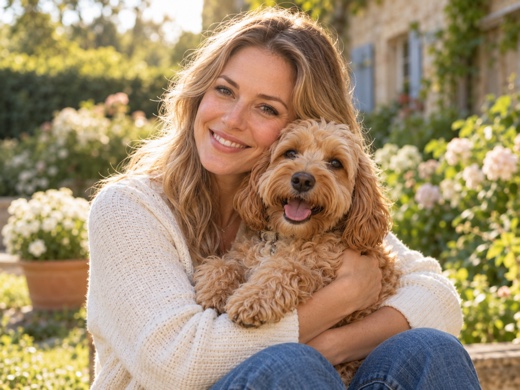
Choose your look, add two photos, and pay once for your digital portrait.
Start with the composition that feels most like your relationship: close, playful, quiet or side by side.
Preview the same composition as a natural portrait, watercolor, oil painting, storybook image, 3D character or collage.
Upload one clear photo of you and one of your pet. You don’t need to be in the same photo. We check that each image is in the right place before checkout.
See your total before authorizing a one-time PayPal payment.
After portrait payment is confirmed, PawPlusMe uses AI to bring your photos together in your chosen scene and style. Your private order page shows progress while the digital portrait is created.
Download the finished image from your private order page and keep a copy.
A framed print or mug is an optional, separate purchase after your digital portrait is ready.
Request your preferred keepsake and provide delivery details using a private link. The studio checks the print artwork, delivery availability and current quote before sending a separate PayPal payment link. Review the merchandise, shipping, tax and total before paying. Payment does not automatically send an order to production; the studio confirms production and delivery separately.
See keepsake pricing and our refund policy.
Start with the look. Add photos only when you have found the right feeling.